Add Billing Info to your InhouseDelivery (IHD) Account.
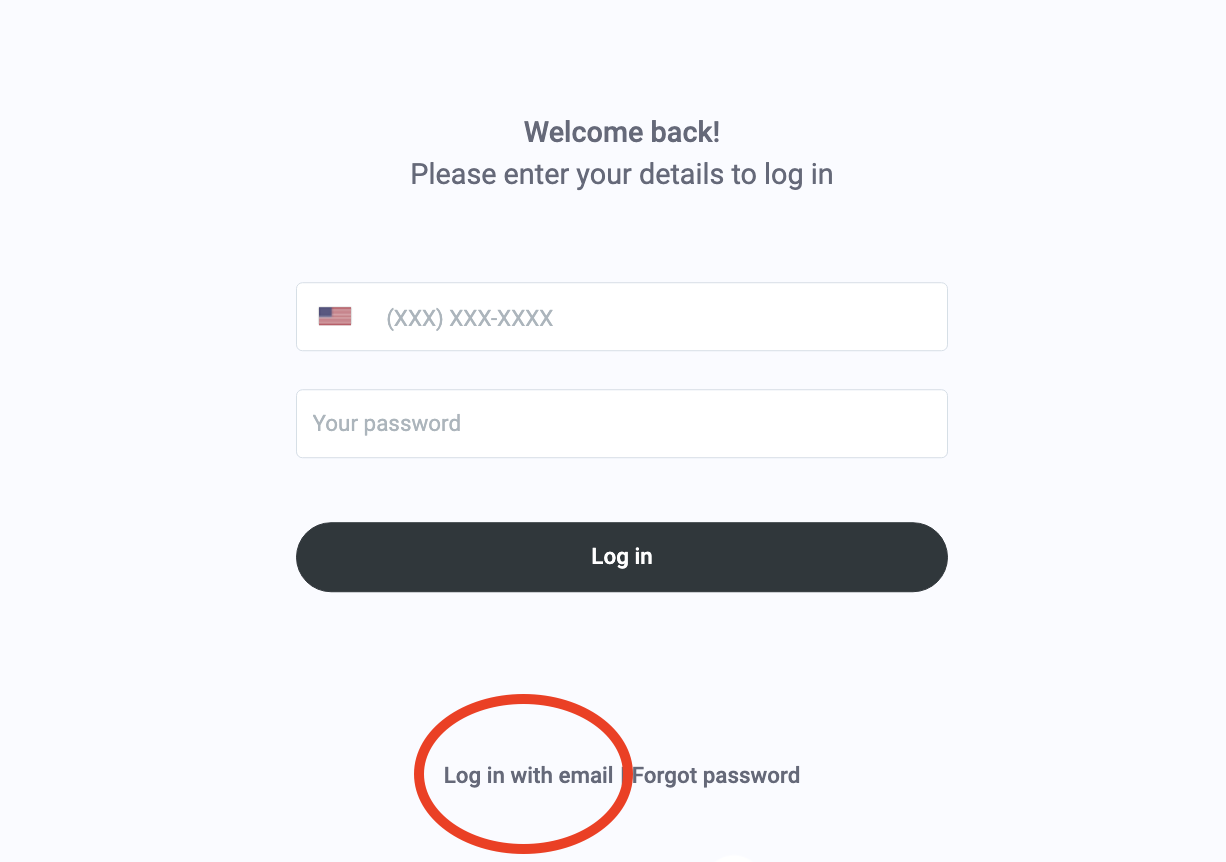
1. Log In to your Inhouse Delivery account via the email and password provided by Spillover.
IHD is accessed via : app.inhousedelivery.com
Note : Choose to Login via email (you can add your mobile phone if you wish to avail of that login option in the future).
2. Add your Billing Info
Click on profile icon and then select Billing.
Click on "Add" to add new payment info.
Enter Billing Name and Address and desired payment method. IHD supports both ACH direct debit and credit card billing.
 Note: If you are unable to verify your bank online, IHD can manually set up your ACH direct debit but you will need to add credit card info in the app as a backup billing method.
 You will not be charged anything when you click the Submit button. Your account will only be debited after you start making deliveries using IHD. IHD bills on a weekly basis.